 DeepNude Telegram
Telegram Stars are a built-in digital currency used for purchases in bots and mini apps. You can now buy Stars with TON directly inside the Telegram Wallet (Crypto Wallet), without switching between external services.
Good to know: After the purchase, Stars appear on your Telegram balance. You can check it in Telegram settings under My Stars.
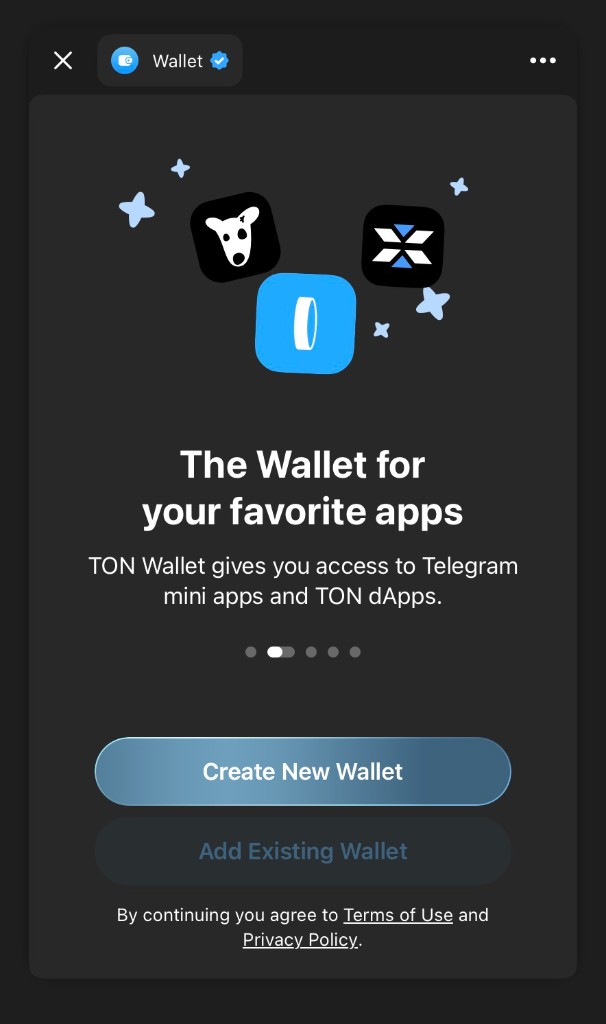
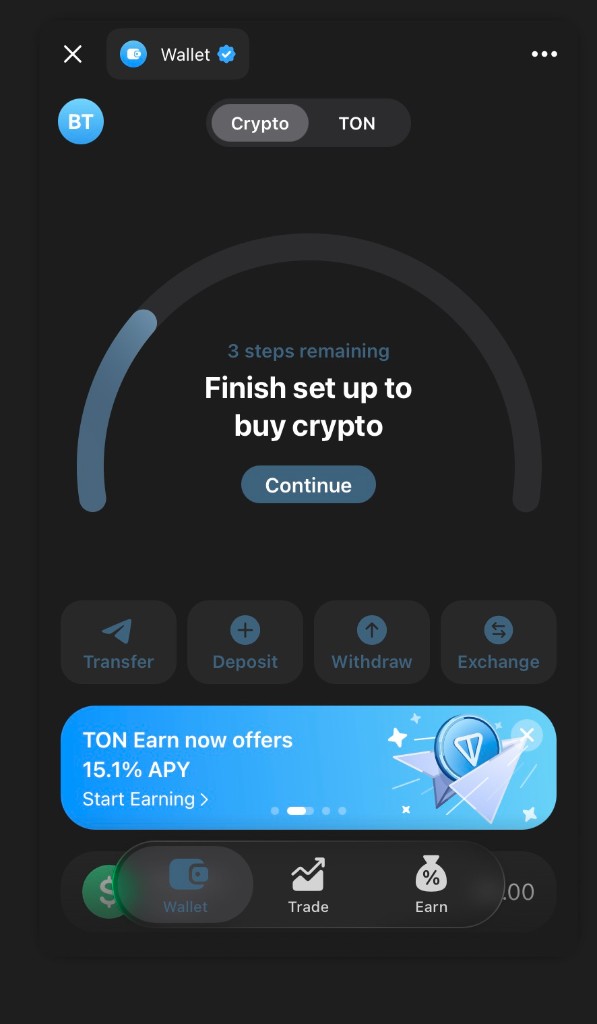
Step-by-Step: Buy Stars in Telegram Wallet
- Open Telegram Wallet (Crypto Wallet) from the Telegram app.
- Go to: Home → Withdraw → Telegram Stars.
- Choose the recipient: buy Stars for yourself or gift Stars to another user.
- Make sure you have TON in your Wallet balance (you will need TON to pay).
- Confirm the purchase and complete the payment.
- Verify Stars balance in Telegram: Settings → My Stars.
What Telegram Stars Are Used For
- Digital goods in bots and mini apps: pay for features, content, and services.
- Subscriptions and games: unlock premium access and in-game items.
- Gifts and donations: send gifts or support creators inside Telegram.
- Monetization for creators: earn Stars if you run a bot, mini app, or channel with paid content.
Troubleshooting
Q: I don’t see “Telegram Stars” in Wallet.
A: Update Telegram and Telegram Wallet to the latest version, then try again. Availability may depend on region and rollout stage.
Q: I paid with TON but Stars didn’t appear.
A: Wait a few minutes and refresh the Wallet/Telegram app. If it still doesn’t update, contact Wallet support and include your TON transaction details.
Q: Can I buy Stars without leaving Telegram?
A: Yes. This method is designed to keep the entire flow inside Telegram Wallet, without external checkout pages.